
Project Together — powered by AI is the free course where you run a real project from your own work in 10 steps, from the charter to the close. It is not a course about project management: it is project management being done, step by step, with the help of artificial intelligence — and at the end you have your project’s documents, not a notebook.
The Project Together AI course is free, with a certificate of completion. It is the base course of Project Together Office: if you do not know where to start, start here.
How the Project Together AI course works
Every step has an article here on the site, an e-mail that arrives in your inbox and a quiz to lock it in. In practice, each step has three moves: the course builds a prompt with your project’s context, you take that prompt to your AI and bring the answer back, and the course writes the result to your ProjectAdm board and generates the matching document — the Project Charter, the WBS, the Risk Register, the Status Report, and so on.
The sequence: the 10 steps
The steps follow the order in which a project really happens. Each one ends in a deliverable you can show someone:
- Start the project — the Project Charter in 5W2H, the Key Results that will measure the value and the choice of approach.
- Review the scope — the WBS, or the Product Goal and the Product Backlog in agile.
- Analyze the risks — cause, event and impact, threats and opportunities.
- Create the schedule and the budget — the when and the how much, with numbers.
- Review and approve the plan — the approval becomes the board’s baseline.
- Engage the stakeholders — from where each one is to where they need to be.
- Direct and execute the work — the next actions, card by card.
- Monitor schedule and cost and generate the Status Report — the course reads the board and the AI writes the report for whoever decides.
- Control changes to the scope — the impact of each request against the baseline.
- Close the project or phase — what was delivered against the Step 1 Key Results, and the lessons learned.
Right in Step 1 the course asks for your approach — predictive or agile — and that is what builds your board. In agile, steps 5 to 10 become the Sprint: Sprint Planning, Daily Scrum, Sprint Review and Sprint Retrospective, and the cycle returns to Step 5 on every new Sprint.
The e-mails arrive one step per week. If you want to go faster, finishing a step’s quiz unlocks the next — the pace is yours, and the course remembers where you stopped.
Beyond the 10 steps: what else the menu does
Besides the 10 steps, the course menu has keys to keep the project alive once it is on the board. Every one of them shows what it is about to do before it writes, and none deletes anything without asking.
- Project sheet (key L) — your ProjectAdm board in an Excel sheet, with one tab for the project charter cards, one for the OKR and one for the risks. You adjust it in Excel and the key shows what changed on the board, on the sheet, or on both; if it changed only on the sheet, it simulates what would go up and writes only after your “yes”. If the same field changed on both sides it is a conflict: nothing is written and you choose. When you generate the sheet again, the previous one stays next to it, with the date in the name.
- Import the risks from Excel (key I) — you adjusted the risk register in the spreadsheet; the key brings the changes to the board, showing everything before it writes.
- Add (+) and Delete (−) — an objective, a deliverable, a stakeholder or activities, written straight to the board with no AI. The item goes in or out whole, with the documents that depend on it.
- Check my OKRs (K) and my project (P) — K checks that each Key Result has a numeric target and a deliverable behind it; P shows the health of the project and what to do now.
- Generate my documents (D), Recalculate the plan (R) and Reverse engineering (E) — D generates the Project Charter in Word from the board; R redoes the numbers and the documents after you adjusted the board; E updates the Project Charter when the board changed.
- Consolidate answers from different AIs (C) — paste two answers with the same label and the AI proposes a single one.
- Ask (?) — stuck, did not understand a term, or want to ask anything: your project goes along in the prompt, so the answer is about your case.
- Reset a step (Z) and Update the course (0) — Z deletes what a step created so you can generate it again, showing it first and asking; 0 updates the course and keeps your .env, your board and your progress.
Standard installation, in 4 steps
Once only. If you have already taken another Together course, the environment is the same — just download this package.
Iniciar and paste the tokenIniciar.bat on Windows, Iniciar.command on Mac. It prepares everything and opens the menu.Step by step with screenshots: standard installation.
The companion book
Frequently asked questions
Do I need project management experience?
No. The course starts from zero, and artificial intelligence walks with you, step by step, through a real project. What you need is a project — from work, from a client or a personal one.
What is the difference between Project Together and PMBOK 8 Together?
Depth. Project Together runs one project in 10 steps — the shortest path and the best start. PMBOK 8 Together goes through the 40 processes of the PMBOK 8 Guide, one by one. Same mechanics, different depth.
Do I need to buy the book?
No. The course is complete without it. Project Management in 10 Steps is the workbook: the same 10 steps explained chapter by chapter, to study offline and review.
Do I need to know how to code?
No. You click a file, pick an option in the menu and paste text between the AI and the course. No code.
Do I have to pay for an AI?
No. You use the AI you already have, or a free one. The course works by copy and paste — it builds the prompt, you take it to the AI and bring the answer back.
Does it work for an agile project?
Yes. In Step 1 the course asks for your approach and the board is built from it — predictive or agile. In agile, steps 5 to 10 are the Sprint events.
Is there a certificate?
Yes, free, with an online verification code, when you finish the course and present the result.
Does it cost anything?
No. Course, package, quizzes and certificate are free. The book and mentoring are optional.
The course is part of the Project Together community. All our courses: free project management courses.
Further reading: PMBOK Guide, Eighth Edition (Project Management Institute).
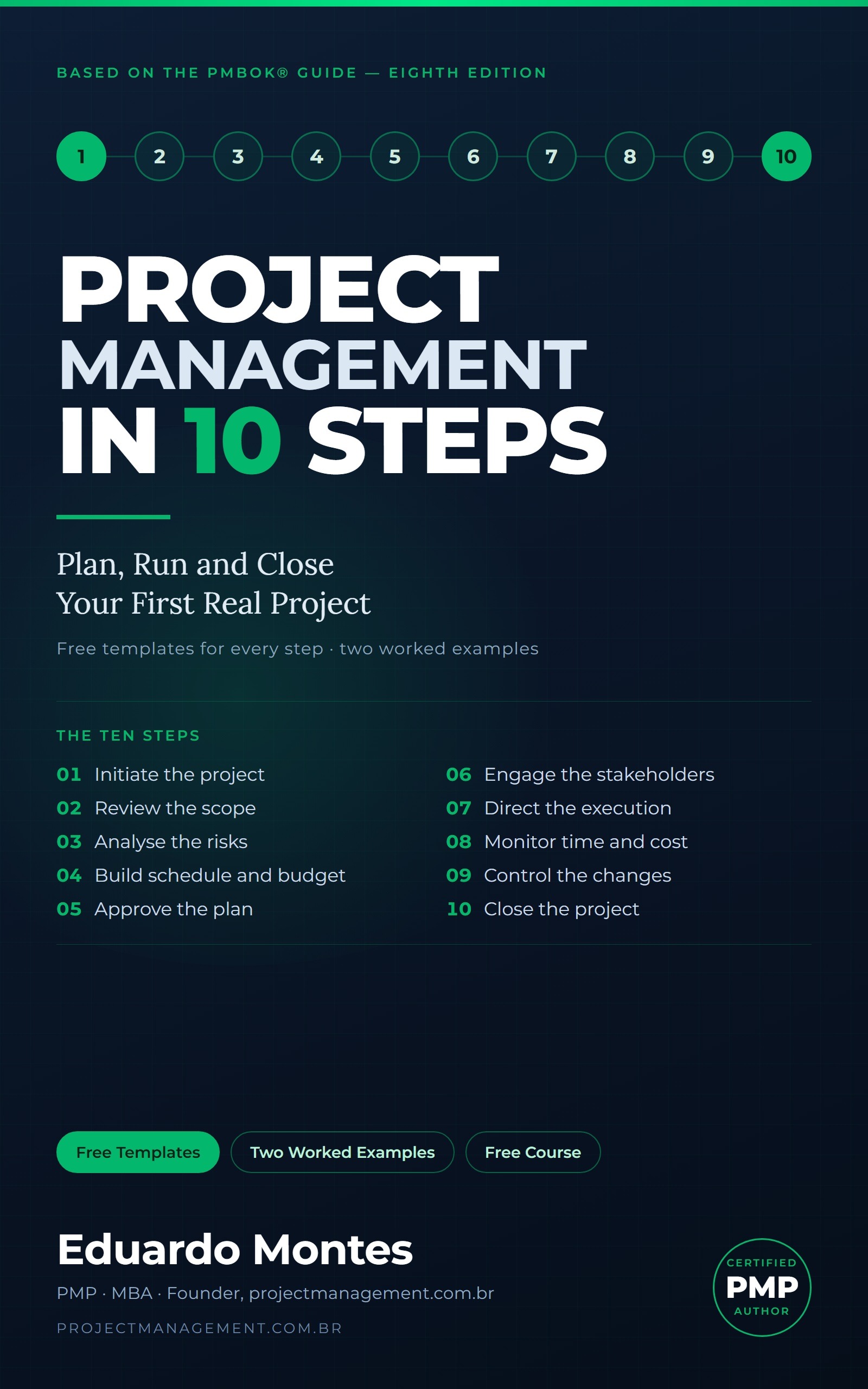
The method of this course is also a book: Project Management in 10 Steps.
Project Management in 10 Steps: all lessons
- Step 1: Start the Project
- Step 2: Review the Scope
- Step 3: Analyze the Risks
- Step 4: Create the Schedule and the Budget
- Step 5: Review and Approve the Plan
- Step 6: Engage the Stakeholders
- Step 7: Direct and Execute the Work
- Step 8: Monitor and Generate the Status Report
- Step 9: Control Changes to the Scope
- Step 10: Close the Project or Phase
- Did Your Project Deliver Value?
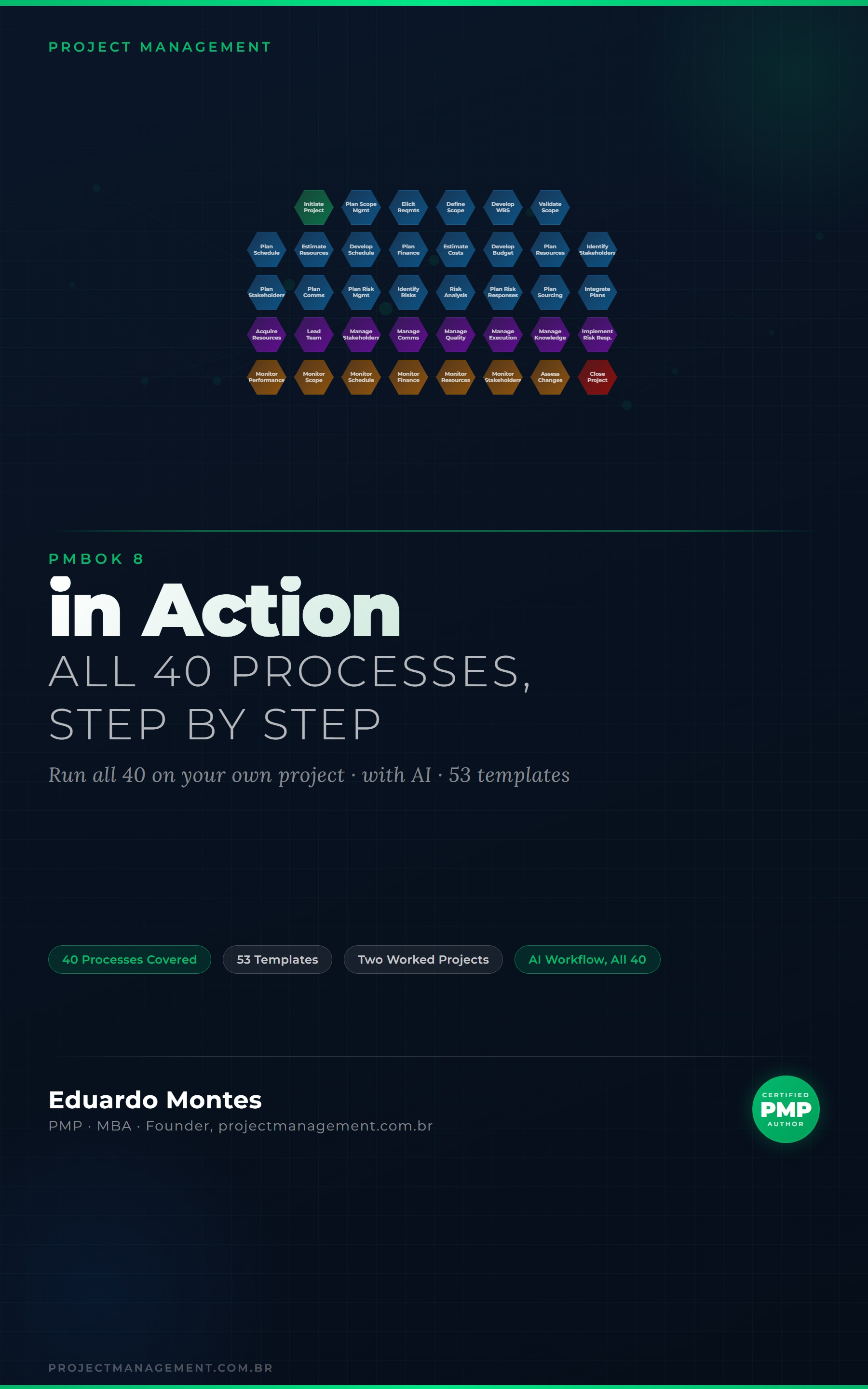
Go deeper in the book
PMBOK 8 in Action
The 40 processes of the PMBOK 8 Guide applied to one real project, with the finished artefact at every step.
See the book — US$ 9.98 → Project Together Office